How to Build a Lead Generation Form with Tally That Works
Create and publish your first form under 10 mins. A simple lead generation form built with Tally. Explore how a few well-chosen fields and clear structure can help you capture leads without friction. Interact with the demo and see how it works.

Tally is the easiest form builder for anyone looking to collect leads, and maintain clean intake process for (anything).
In this tutorial, we look at how to build a lead generation for using a template.
Tally Tutorial: Creating a Lead generation form.
For a deeper look into integrations
You can explore the help portal in Tally to connect your favorite tools:
Find out how you can use Claude to build artifacts, remix these 10 prompt styles for your form, and go deeper into tool stacks.
Newsletter
A weekly 5-min class on an AI topic.
Keep reading

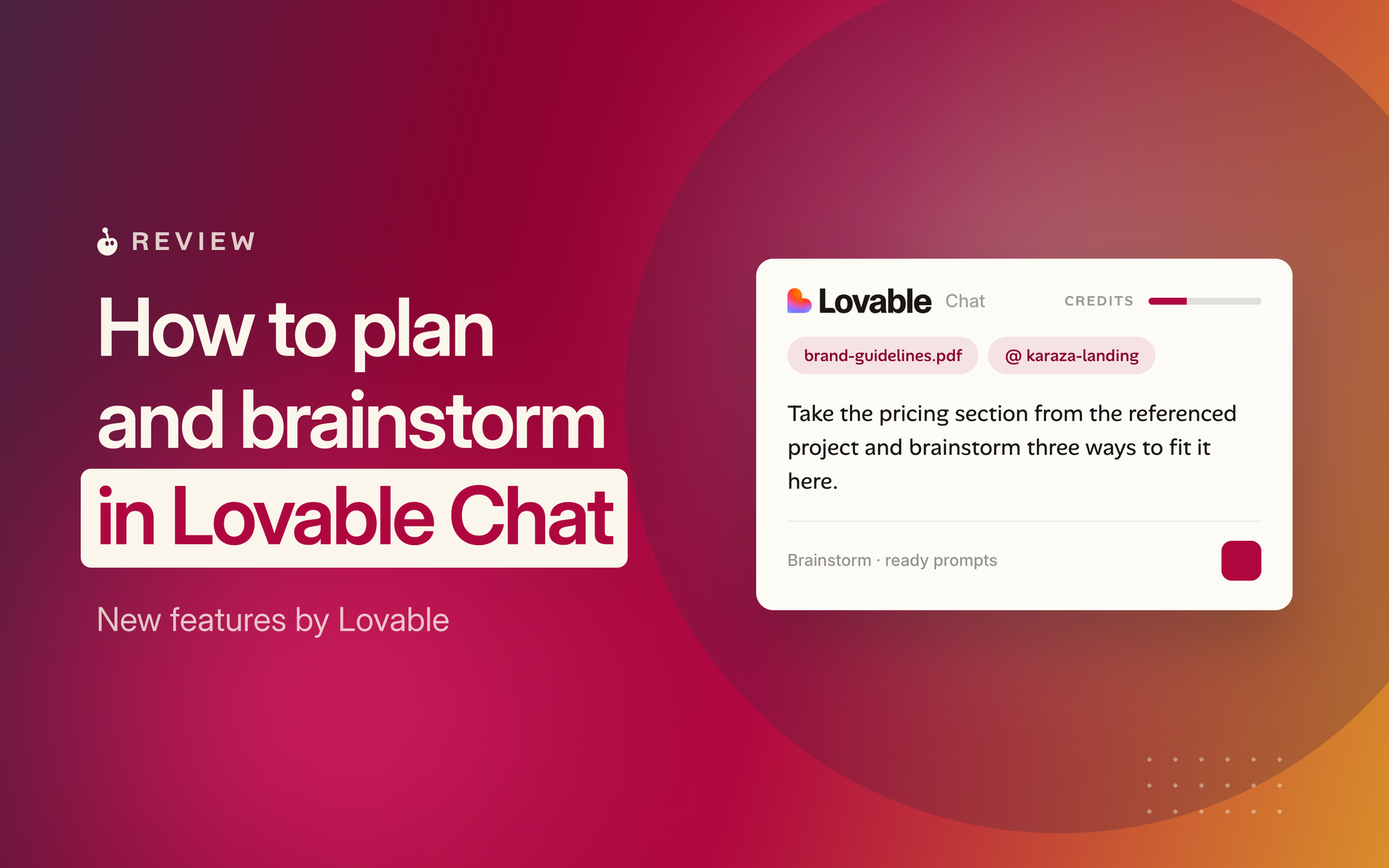
Lovable Chat: Brainstorm ideas, create, and improve existing sites.
If you were using Claude x Lovable and hopping from tool to tool for brainstorming and improvement, Lovable Chat is useful.
· 1 min read

Stop Planning. Start Prototyping.
Planning feels like progress. It has the structure of work, the spreadsheets, the timelines, the strategy documents that accumulate in your Notion workspace while the idea waits. But for most founder
· 4 min read