Gmail’s 2026 Gemini update
Google turns your inbox into more of an assistant with AI summaries, smarter drafting tools, and a new “AI Inbox” view starting to roll out to users in the US. This shift is powered by Google’s latest Gemini models and marks one of the biggest changes to Gmail since it launched.
 By Mahmoud Al Juaidi

What actually changed in Gmail
Google describes this move as Gmail “entering the Gemini era,” where AI steps in to summarize, prioritize, and even act on your messages instead of just displaying them chronologically. According to the official Gmail is entering the Gemini era announcement, the update focuses on reducing the time users spend digging through long threads or searching for old details. When you open a long conversation with dozens of replies, Gmail can now generate a concise AI overview of the key points, letting you catch up in seconds instead of scrolling line by line.
This same Gemini-powered intelligence also enhances the way you search your inbox. Rather than typing keywords and scanning results, you can ask natural-language questions like “Who was the plumber who quoted for my bathroom renovation last year?”, and Gemini will reason across your emails to surface a direct answer with the relevant details. In practice, that means less hunting through labels and more immediate, decision-ready information.
AI Inbox: Gmail as a briefing
The most visible shift is the new AI Inbox, a view that restructures your emails into to-dos and topics rather than a simple list. As outlined in Google’s launch materials and early coverage like Gmail’s Gemini makeover looks absolutely amazing, AI Inbox highlights actionable items such as bills, upcoming appointments, and messages waiting for your reply at the top. Below that, it groups related conversations into themes so you can review a project or topic in one place.
This AI Inbox is initially being tested with a limited group of “trusted testers” before expanding more widely, and it uses signals like who you correspond with frequently and what kind of content appears in a message to infer importance. Google stresses that this analysis happens with the same privacy protections as existing Gmail features, with data kept under user control and used to prioritise what genuinely matters, such as urgent reminders or time-sensitive tasks.
Smarter writing with Help Me Write and Suggested Replies
On the composition side, Gemini brings a major upgrade to Gmail’s writing tools. Features that previously felt experimental—like AI-assisted drafting—are now moving into the mainstream. Google has made the “Help Me Write” feature broadly available so that anyone can ask Gmail to draft a message from scratch or improve a rough first version, as detailed in the Gmail is entering the Gemini era blog. You can specify the tone you want, from more formal to more casual, and refine the output before sending.
Alongside this, the old Smart Reply feature has evolved into more context-aware “Suggested Replies.” These suggestions do more than offer generic “Sounds good” or “Thanks!” responses; they use the context of the thread and your own writing style to propose fuller, more natural replies. Coverage in outlets like CNBC’s overview of the Gemini features in Gmail notes that this can save time when dealing with routine responses, while still giving you full control to edit before sending.
Inline AI instead of side panels
Another subtle but important change is where these tools live in the Gmail interface. Instead of relying on a separate Gemini side panel, many AI capabilities are now integrated directly into messages and compose windows. Reporting in Gulf News on the phasing out of the Gemini side panel explains that the goal is to make AI feel like a native part of the email experience. For many users, the “Ask Gemini” option in the side panel is being replaced by inline options such as “Help me write,” “Summarize,” or “Proofread” right where you are working.
Proofreading itself is more powerful in this update, with Gemini offering deeper suggestions on spelling, grammar, clarity, and tone. Instead of just catching obvious errors, it can suggest tighter phrasing, adjust formality, and help align your message with your intent, whether you are emailing a client, a manager, or a family member. That makes Gmail feel less like a static text box and more like a live editing partner.
Rollout, pricing, and what to watch
The Gemini update is not arriving everywhere at once, and not every feature is free. As explained in analyses like Gmail Is Entering the Gemini Era (2026): What’s New, Who Gets It, and Why It Matters, the rollout starts with English-speaking users in the United States, with other regions and languages to follow. Many core features—such as thread summaries, Help Me Write, and basic Suggested Replies—are available to personal Gmail users at no extra cost.
More advanced capabilities, especially those that rely on heavier reasoning or more nuanced stylistic control, are tied to paid AI tiers such as Google’s AI Pro or Ultra subscriptions. Workspace users will see a slightly different path, with enterprise controls and gradual enablement across business accounts. For everyday Gmail users, the key decision over the coming months will be how much AI they want in their inbox: some features are enabled by default, and those who prefer a more traditional experience may need to opt out in settings as they become available.
Source Links:
- https://blog.google/products-and-platforms/products/gmail/gmail-is-entering-the-gemini-era/
- https://www.forbes.com/sites/zakdoffman/2026/01/11/googles-free-offer-for-2-billion-gmail-users-should-you-upgrade/
- https://www.wam.ae/en/article/by53m31-new-gmail-features-replacing-gemini-side-panel-for
- https://www.cnbc.com/2026/01/08/google-adds-gemini-features-to-gmail-message-summaries-proofreading-.html
- https://gulfnews.com/technology/gemini-side-panel-phased-out-as-gmail-rolls-out-in-line-ai-1.500403819
- https://www.linkedin.com/news/story/google-enhances-gmail-with-ai-8138218/
- https://www.abzglobal.net/web-development-blog/gmail-is-entering-the-gemini-era-2026-whats-new-who-gets-it-and-why-it-matters
- https://chromeunboxed.com/gmails-gemini-makeover-looks-absolutely-amazing/
- https://www.youtube.com/watch?v=mp0KGyzD9DI
- https://gulfnews.com/technology/media/gmail-overhaul-gemini-ai-turns-your-inbox-into-a-smarter-assistant-1.500402308
- https://support.google.com/gemini/thread/396052272/here%E2%80%99s-an-update-on-our-work-to-upgrade-mobile-assistant-devices-to-gemini?hl=en
- https://www.forbes.com/sites/zakdoffman/2026/01/08/google-changes-gmail-after-20-years-2-billion-users-must-now-decide/
- https://www.linkedin.com/news/story/google-enhances-gmail-with-new-ai-features-8117962/
- https://www.youtube.com/watch?v=RrHSIC7Sey8
- https://support.google.com/mail/answer/13952129?hl=en&co=DASHER._Family%3DBusiness-Enterprise
One useful Claude idea at a time
Practical Claude ideas for your work, the UAE AI stories worth your time, and first notice of trainings.
Keep reading
All articles
AI Fluency
Claude terminology, simplified
A collection of terms and explainers covering important Claude terms.
Learning
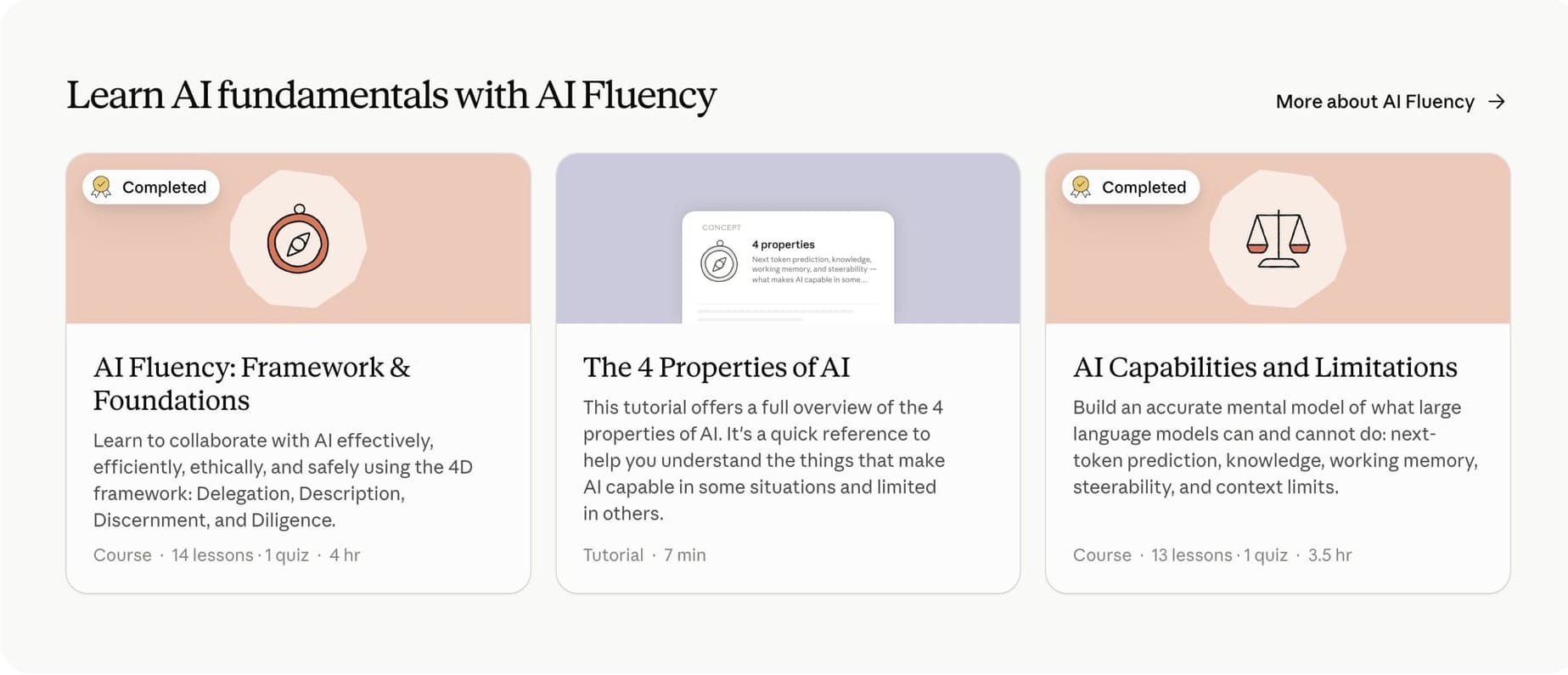
Claude Academy in the UAE: All 25 Free Courses and Which One to Take First
Claude Academy is Anthropic's free learning platform at academy.claude.com. It covers AI fluency, Claude, Claude Code, Cowork, Agent Skills, MCP and the Claude API, is open to anyone in the UAE, and issues a completion badge on most courses.
AI Fluency
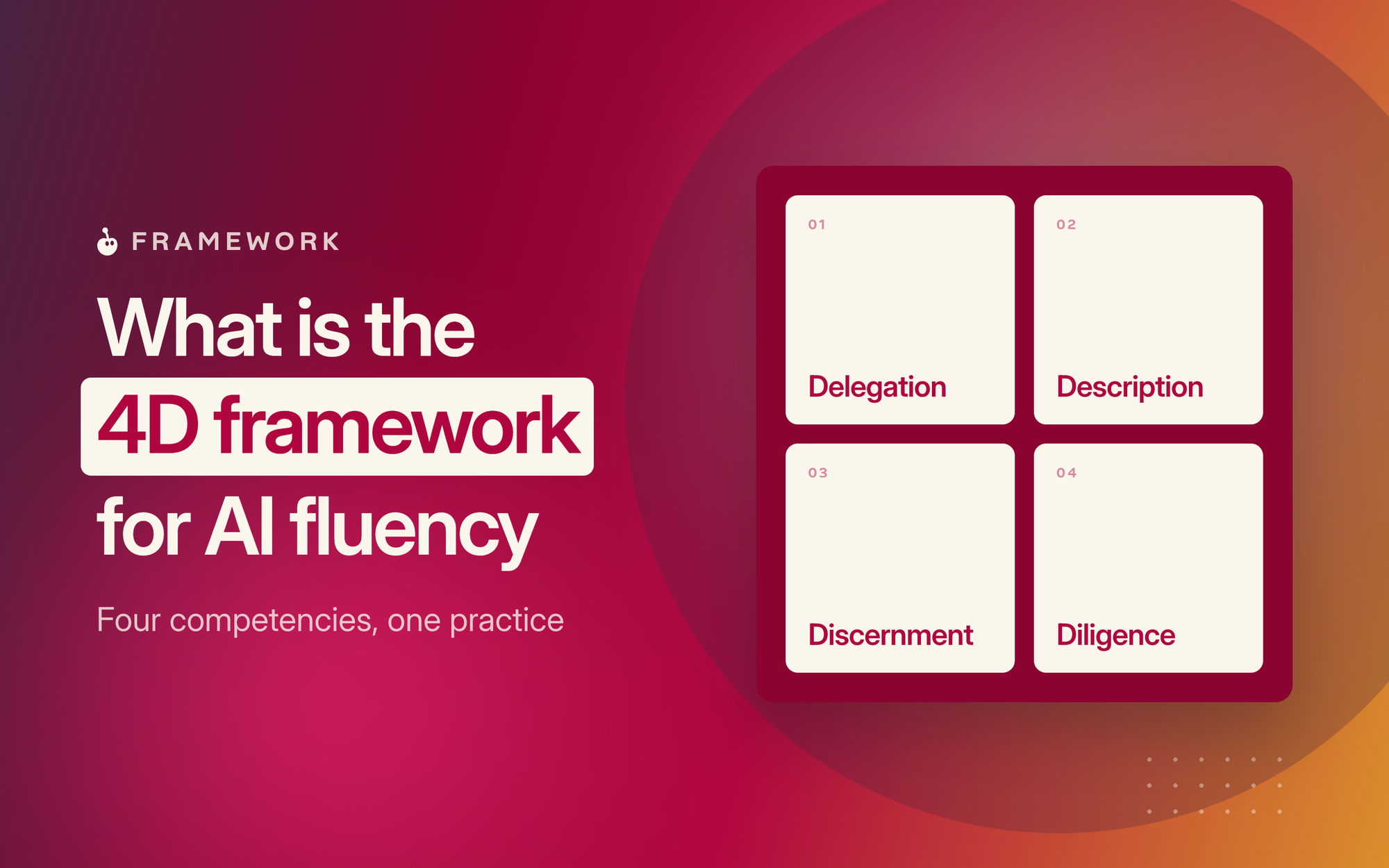
What is the 4D Framework for AI Fluency
How do you develop AI Fluency and how can this simple 4-part framework developed by Prof Rick Dakan and Prof Joseph Feller help take the first step to developing the practice.